
Live betting, cricket odds, casino, and easy payments — all in the palm of your hand. Installing the bdtk 2 app takes just two minutes.
Bdtk 2 works seamlessly across Android, iOS, and desktop browsers
The bdtk 2 app works on any phone running Android 5.0 or above. At just 22 MB, the download is quick. Once installed, you can start right away by depositing via Mobile Pay or Nagad.
Bdtk 2's iOS app is built specifically for iPhone and iPad users. It runs on iOS 12.0 and above, and supports Face ID and Touch ID for quick, secure login.
You can use bdtk 2 without installing any app. Just open bdtk2.im in any modern browser — Chrome, Firefox, Safari, or Edge — and start playing. The full experience is available on mobile browsers too.
The bdtk 2 Android app isn't available directly on the Google Play Store due to Play Store's own policies on betting apps. You'll need to download the APK file straight from the website. The process is slightly different from a normal install, but it only takes a few minutes.
Go to your phone's Settings → Security or Privacy. Enable "Install unknown apps" or "Unknown sources." Without this, the APK won't install.
Tap the Android APK button on the download page at bdtk2.im. The file will be saved to your phone's Downloads folder.
Open your Downloads folder and tap the bdtk2 APK file. You'll see an Install button — tap it and the installation will complete within 30 seconds.
Open the app. If you already have an account, log in — if you're new, tap the "Register" button to create one.
Deposit ৳200 via Mobile Pay or Nagad, claim your welcome bonus, and place bets on your favorite matches.
IPhone and iPad users can install the bdtk 2 app with ease — either through the App Store or directly via the website. iOS handles security a little differently, so follow the steps below carefully.
For installing the app on iOS, Safari is the recommended browser. Other browsers may occasionally cause issues.
Open bdtk2.im/download and tap the iOS download button. A confirmation popup will appear.
Go to Settings → General → VPN & Device Management and trust the bdtk 2 profile. This only needs to be done once.
The app will be added to your Home Screen automatically. Tap to open it, then log in or register.
After your first login, you'll be prompted to enable Face ID or Touch ID. Once set up, you won't need to enter your password each time.
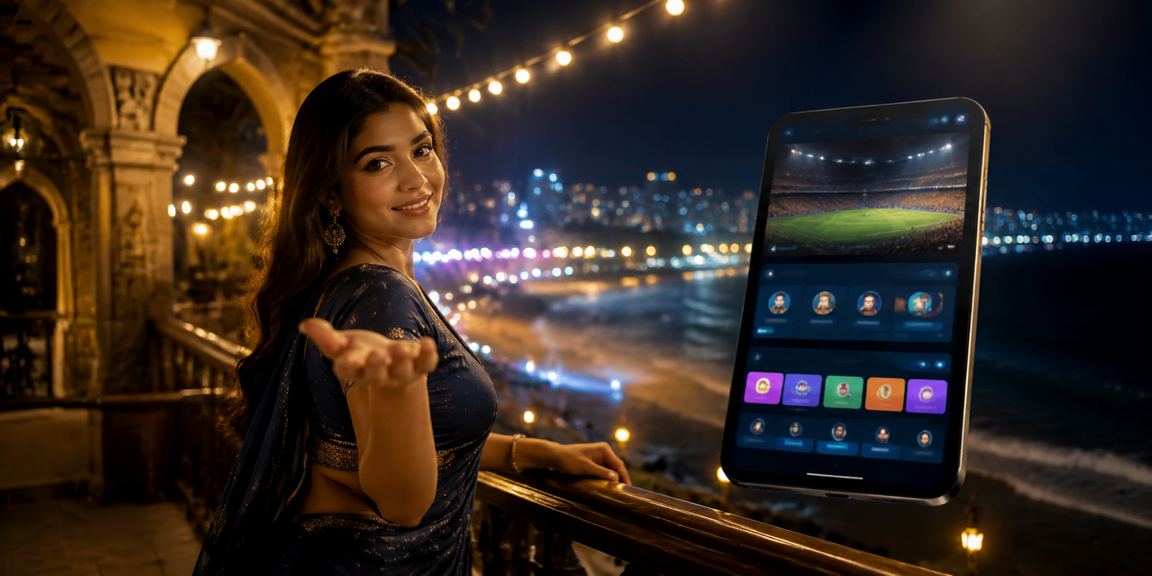
One download, every feature — from betting to payments, all covered
The bdtk 2 app's lightweight build means it loads quickly even on a slow connection. Odds updates during live matches come through without any delay.
Get instant notifications before your favorite team's match kicks off, when a wicket falls, or when a goal is scored. You'll never miss a moment.
Deposit and withdraw via Mobile Pay, Nagad, or bank transfer — all from within the app. No need to open a separate browser.
Play live Blackjack, Roulette, and Baccarat with real dealers, directly from the app. Streaming is smooth with virtually no lag.
Log in instantly with Face ID or fingerprint. No more typing your password every time — and your account stays just as secure.
Ball-by-ball updates for cricket, minute-by-minute scores for football — all right inside the app. No need to go anywhere else.
You can use bdtk 2 both ways — each has its own advantages
The app is the better choice for regular users. For occasional users, the browser works just fine.

Smartphones are now a central part of everyday life. From watching cricket matches to placing bets — everything is at your fingertips. bdtk 2 was built with that reality in mind. A single small download is all it takes to access the full betting experience.
Many users start out on mobile browser before switching to the app. The browser version works well enough, but most daily bettors eventually make the move. The reason is simple: the app delivers push notifications — which is a game-changer for live bettors. Odds can shift dramatically in the moments just before a match kicks off, and without notifications, those windows are easy to miss.
Faster loading, push notifications, biometric login, and offline score viewing make the app the ideal choice for regular bettors.
Download the official bdtk 2 APK directly from bdtk2.im. Downloading from third-party sites carries unnecessary risk.
The payment system on the bdtk 2 app is worth a special mention. Since most people in Bangladesh use Mobile Pay, the app makes Mobile Pay deposits remarkably simple — just enter your Mobile Pay number, enter your PIN, and the funds go through instantly. Nagad works the same way. This frictionless payment experience is a big reason bdtk 2 has become so popular among bettors in Bangladesh.
One of the app's biggest technical strengths is its server response time. After placing a bet on a live match, confirmation typically comes through in under 1–2 seconds — a speed that holds up to international standards. When you're betting on that last-over six in cricket, every second counts. bdtk 2 delivers that speed.
Bdtk 2 also keeps the app well-maintained. New features are added regularly and bugs are fixed as they come up. When you get an update notification, it's worth installing promptly — newer versions typically run better. You can enable auto-updates in the app's settings to keep things hassle-free.
New users often ask — will installing the app slow down my phone? The short answer is no. The bdtk 2 app is only 22–28 MB, which is significantly lighter than most other betting apps. It puts very little strain on your phone's RAM or processor. Even a basic Android device with 3 GB of RAM runs it without any issues.
When it comes down to it, downloading the bdtk 2 app means getting far more than just a betting platform. It's a complete sports entertainment experience — live scores, stats, bonus offers, Live Casino, and 24/7 Bangla customer support, all in one place. Try it once and you'll understand why so many users never go back to anything else.